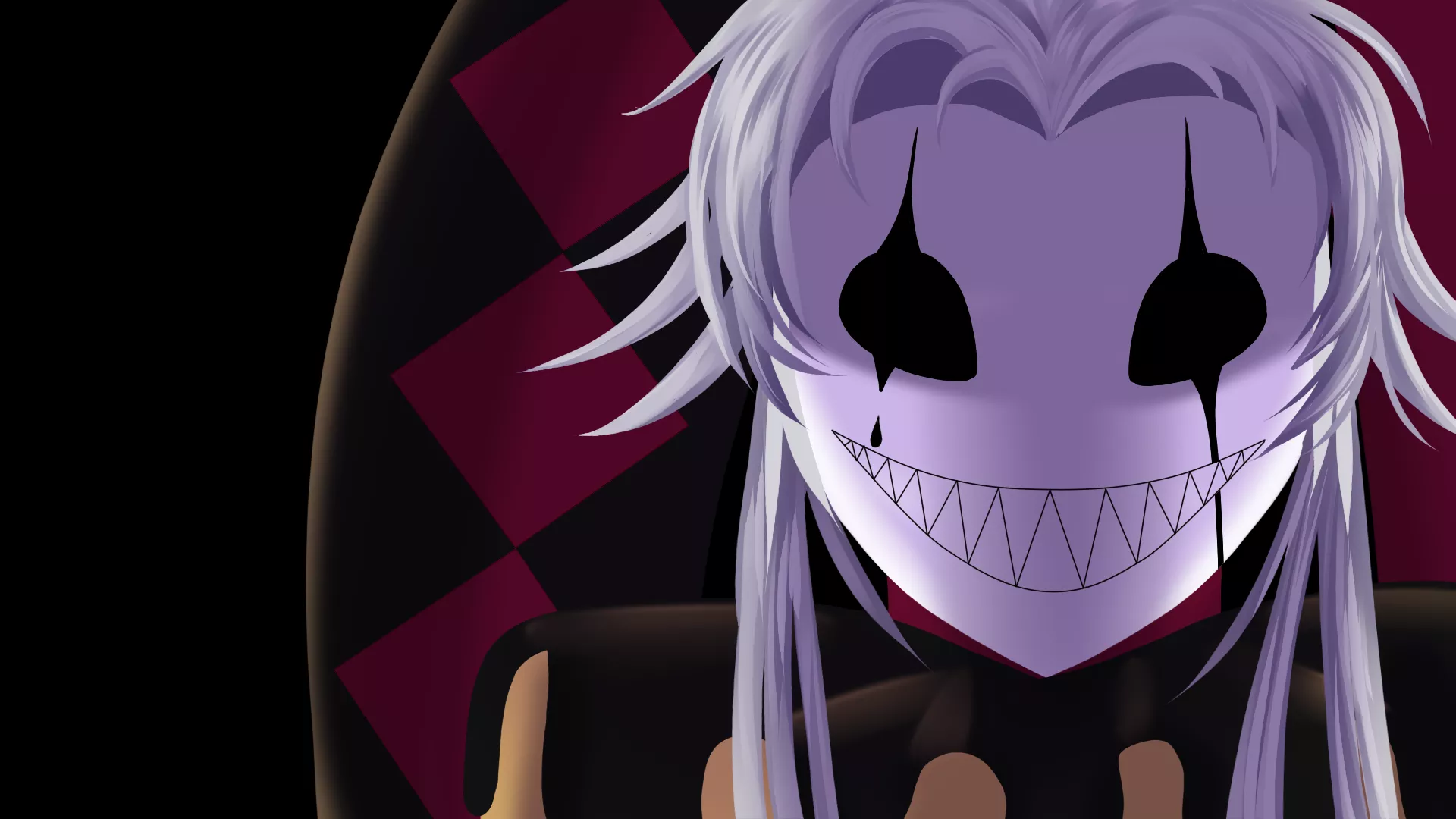
Download & Installation Guide
Get The Freak Circus on your preferred platform. Free to play on PC, Android, and web browsers.
🎮 Quick Download
Play in Browser
No download required. Play instantly in your web browser.
Play NowRecommended for quick play
Windows / Mac / Linux
Download the full game for offline play on your computer.
Download PCVia official Itch.io page
✨ 100% Free: The Freak Circus is completely free to download and play. All downloads link to the official Itch.io page to ensure you get the latest, safe version.
💻 System Requirements
🖥️ PC (Windows/Mac/Linux)
Minimum:
- • OS: Windows 7 / macOS 10.12 / Ubuntu 16.04
- • Processor: 1.8 GHz Dual-Core CPU
- • Memory: 2 GB RAM
- • Storage: 500 MB available space
- • Graphics: Integrated graphics
Recommended:
- • OS: Windows 10 / macOS 11+ / Ubuntu 20.04
- • Processor: 2.5 GHz Quad-Core CPU
- • Memory: 4 GB RAM
- • Storage: 1 GB available space
- • Graphics: Dedicated GPU (optional)
📱 Android
Minimum:
- • OS: Android 5.0 (Lollipop) or higher
- • RAM: 2 GB
- • Storage: 300 MB free space
- • Screen: 720p resolution
Recommended:
- • OS: Android 8.0 (Oreo) or higher
- • RAM: 4 GB
- • Storage: 500 MB free space
- • Screen: 1080p resolution
Note: iOS version is not currently available. iPhone/iPad users can play the browser version.
📖 Installation Instructions
💻 PC Installation (Windows/Mac/Linux)
- 1.
Visit the Official Page
- 2.
Download the Game
Click "Download" and select your operating system (Windows, Mac, or Linux)
- 3.
Extract the Files
Unzip the downloaded file to a folder of your choice
- 4.
Run the Game
Open the extracted folder and double-click the executable file (.exe for Windows, .app for Mac)
- 5.
Enjoy!
The game will launch. Adjust settings as needed and start playing
📱 Android APK Installation
- 1.
Enable Unknown Sources
Go to Settings → Security → Enable "Install from Unknown Sources" or "Allow from this source"
- 2.
Download the APK
Visit the official Itch.io page on your Android device
- 3.
Locate the File
Open your Downloads folder or notification panel
- 4.
Install the APK
Tap the APK file and follow the installation prompts
- 5.
Launch the Game
Find "The Freak Circus" icon in your app drawer and tap to play
⚠️ Security Warning: Only download APK files from the official Itch.io page. Third-party sites may contain malware or modified versions.
❓ Frequently Asked Questions
Is The Freak Circus really free?
Yes! The game is 100% free to download and play. There are no hidden costs, in-app purchases, or subscriptions required.
Do I need an internet connection to play?
The browser version requires internet. The PC and Android versions can be played offline after downloading.
What languages are supported?
The game is available in English, Portuguese (Brazilian), and Chinese (Simplified). You can change the language in the game settings.
Is there an iOS/iPhone version?
Currently, there is no native iOS app. However, iPhone and iPad users can play the browser version on this website.
How much storage space do I need?
PC version: ~500 MB | Android APK: ~300 MB | Browser version: No storage needed
Can I save my progress?
Yes! The game has an auto-save feature and manual save slots. Your progress is saved locally on your device.
Is the game appropriate for children?
No. The Freak Circus is rated 18+ / R18G due to horror elements, psychological themes, disturbing imagery, and mature content. It is not suitable for children.
The game won't start on Windows. What should I do?
Try running the .exe file as administrator. If that doesn't work, make sure you've extracted all files from the ZIP archive. Some antivirus software may block the game - add it to your exceptions list.
The APK won't install on my Android device. Help!
Make sure you've enabled "Install from Unknown Sources" in your device settings. If you're on Android 8.0+, you may need to grant permission to your browser or file manager app specifically.
Can I stream or make videos of the game?
Yes! The developer allows streaming and video content. Please credit the game and link to the official Itch.io page.
Where can I report bugs or give feedback?
Visit the official Itch.io page and use the community tab to report issues or share feedback with the developer.
🔧 Troubleshooting Common Issues
Game Crashes on Startup
- •Update your graphics drivers
- •Run the game in compatibility mode (Windows 7/8)
- •Disable antivirus temporarily to test
- •Re-download and extract the game files
Black Screen / Won't Load
- •Wait 30-60 seconds - initial load can be slow
- •Check if your system meets minimum requirements
- •Try windowed mode instead of fullscreen
- •Delete the game's config/save files and restart
Audio Issues
- •Check in-game audio settings
- •Ensure your system volume isn't muted
- •Update your audio drivers
- •Try using different audio output device
Save Files Not Working
- •Don't move the game folder after installation
- •Run the game with administrator privileges
- •Check if the save folder has write permissions
- •Backup your saves before updating the game
Ready to Enter the Circus?
Choose your platform and start your terrifying adventure today!